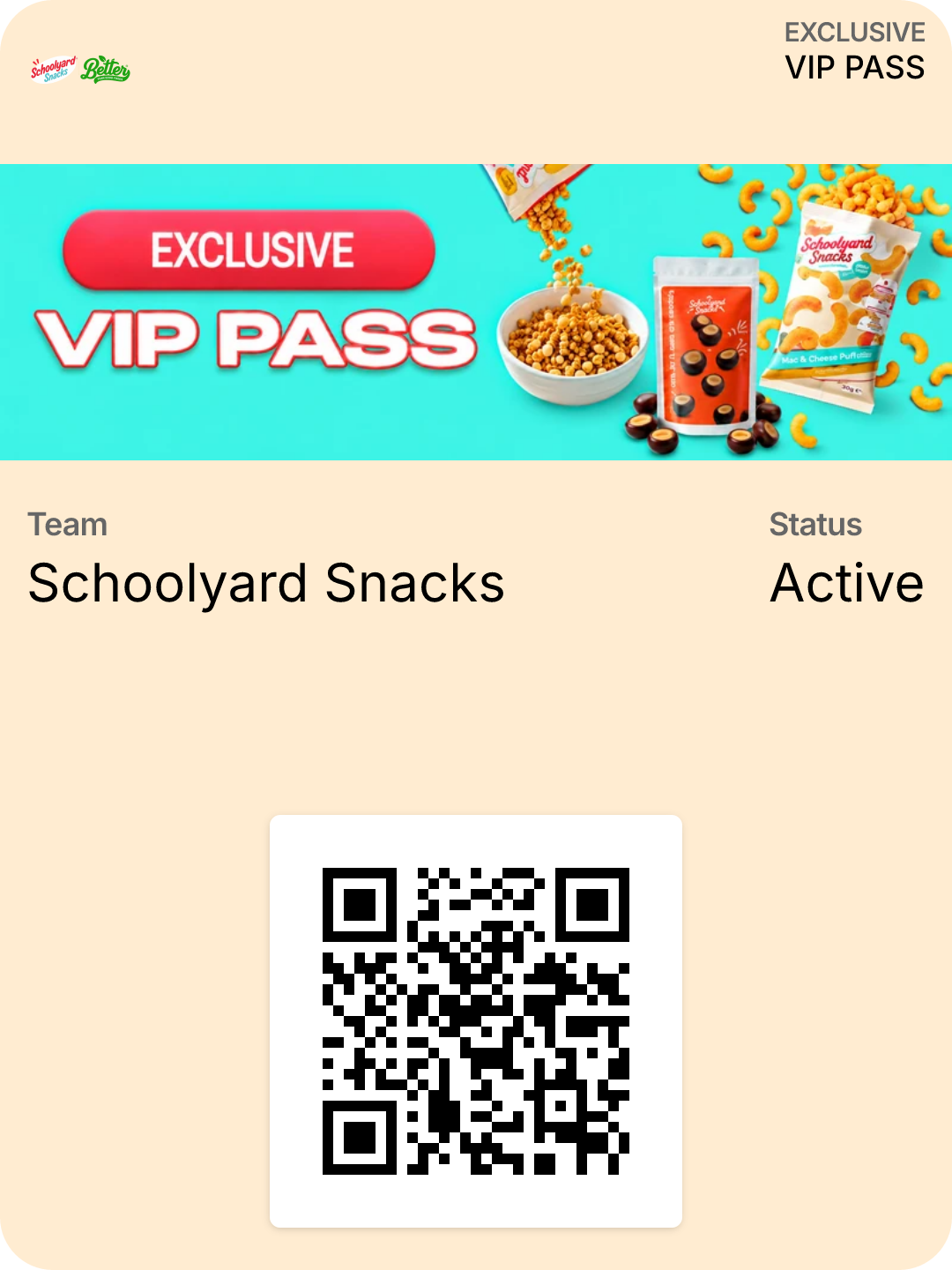
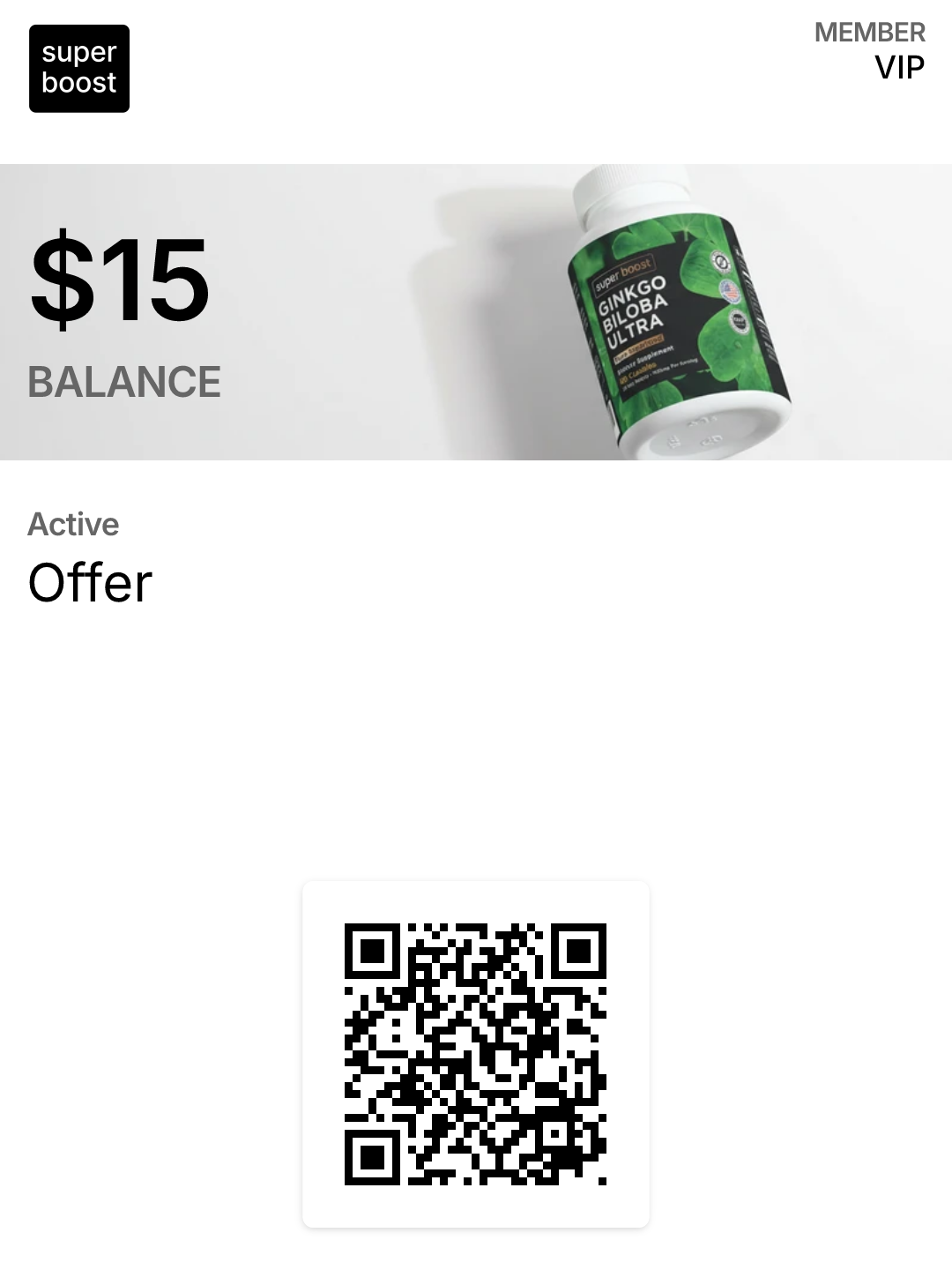
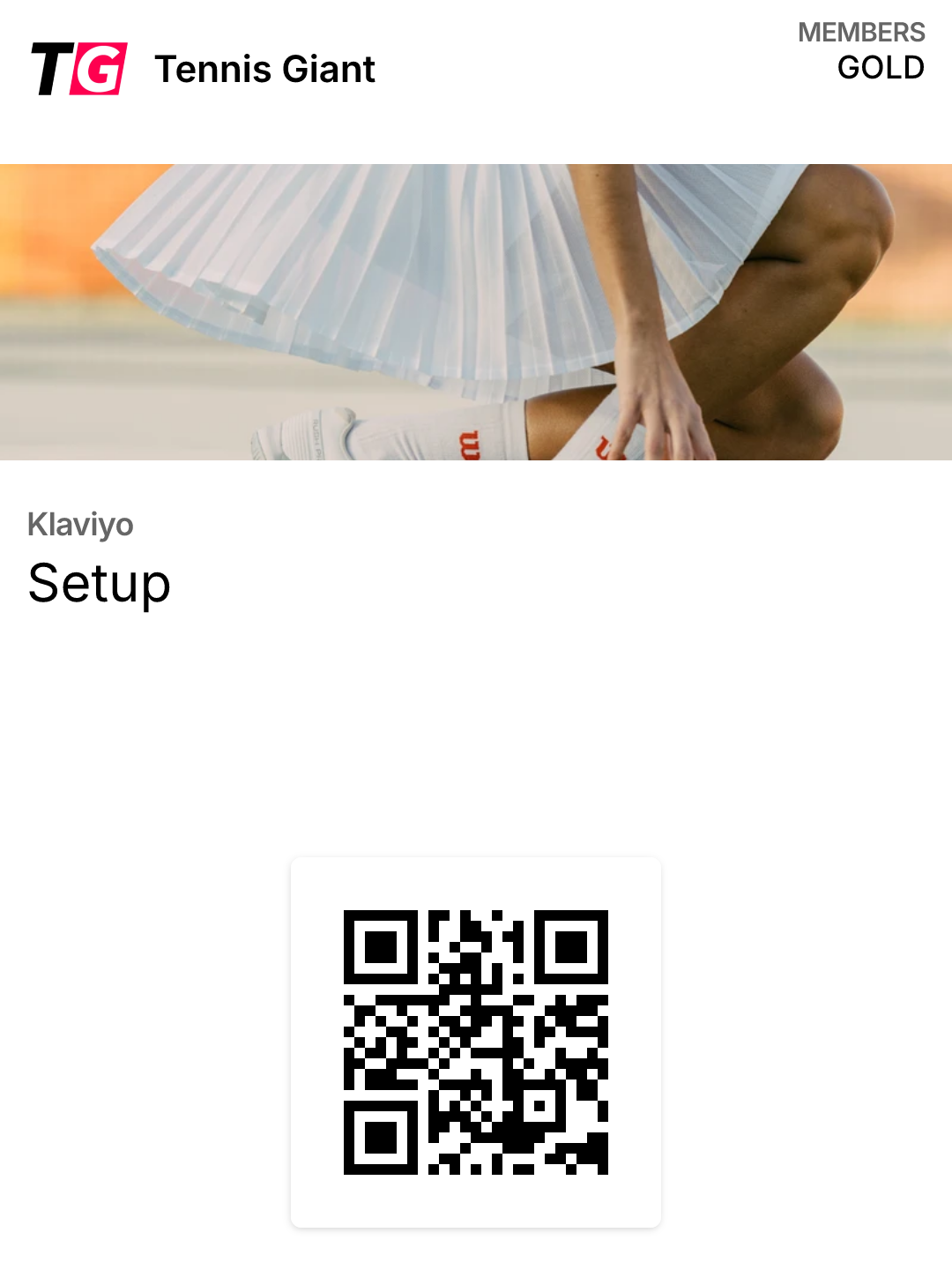
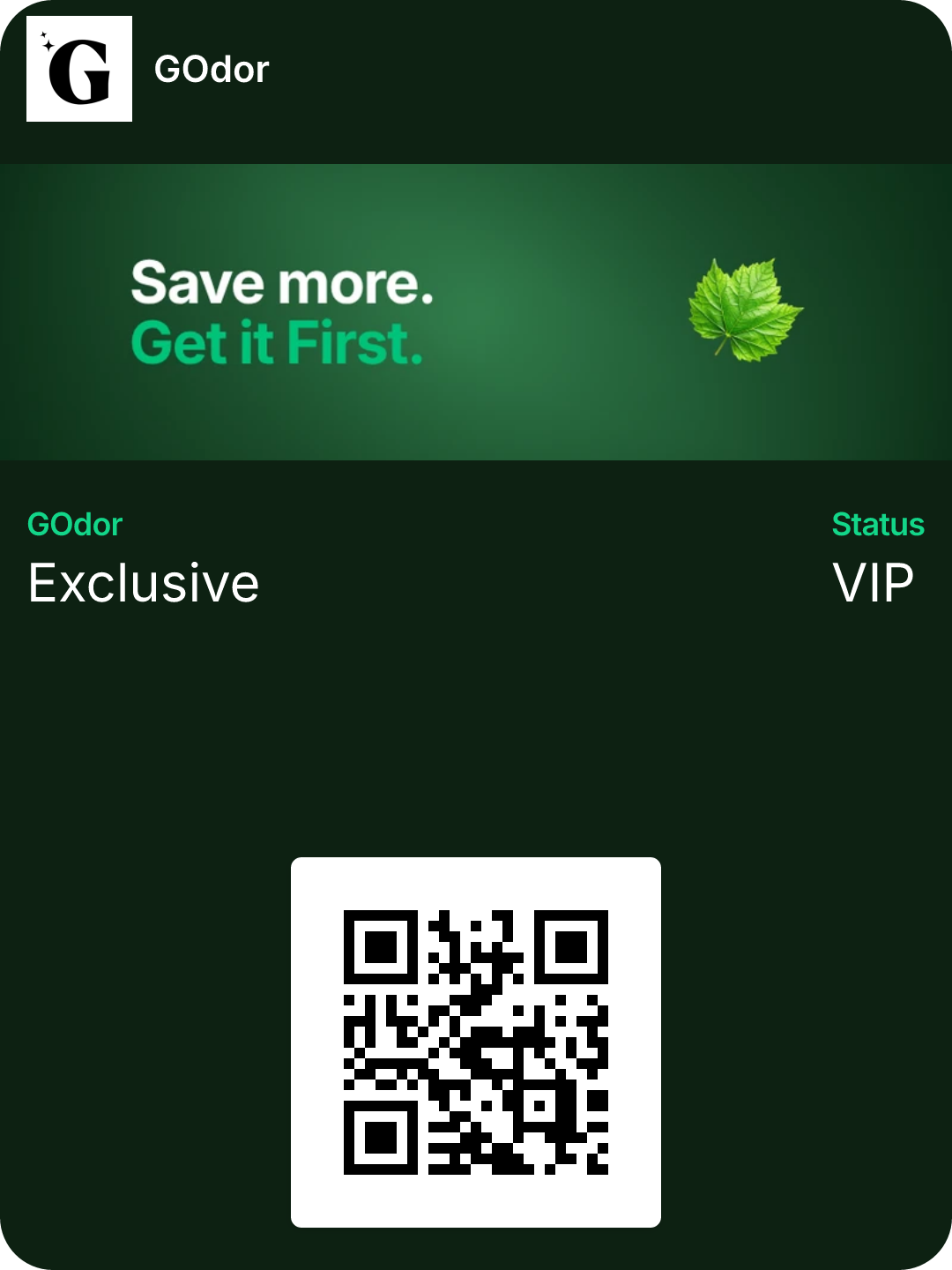
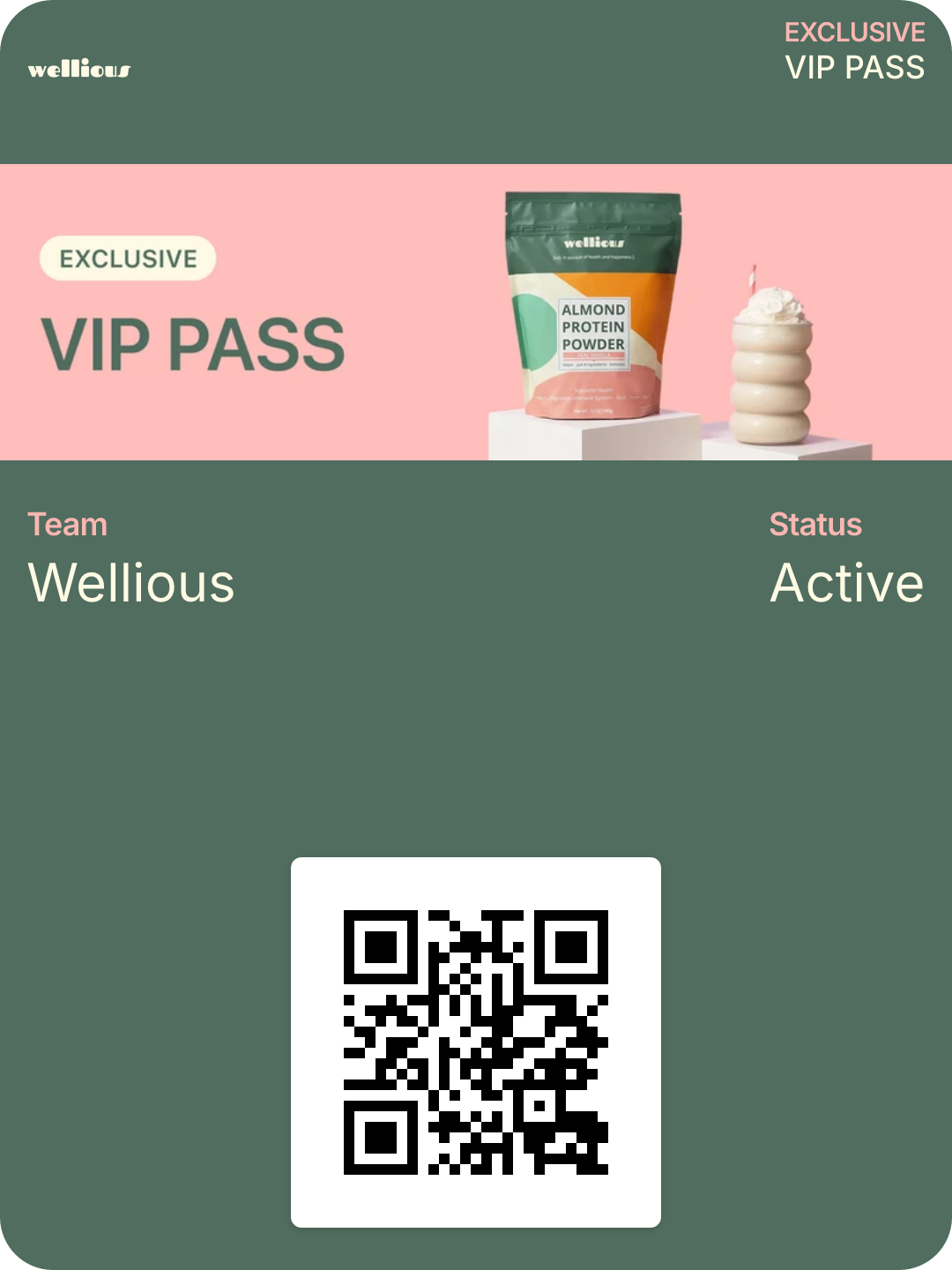
Install A New Revenue Channel On Your Shopify Store In 7 Days
Push notifications get seen 90% of the time and drive 3-7x more clicks than email. We turn it into a revenue channel for your store by setting up automated flows, campaigns, and loyalty programs using branded Wallet passes.
3x ROI in 90 days or it's free.
Trusted by scaling brands



What is Lockscreen
A Push Channel Your Customers Never Download
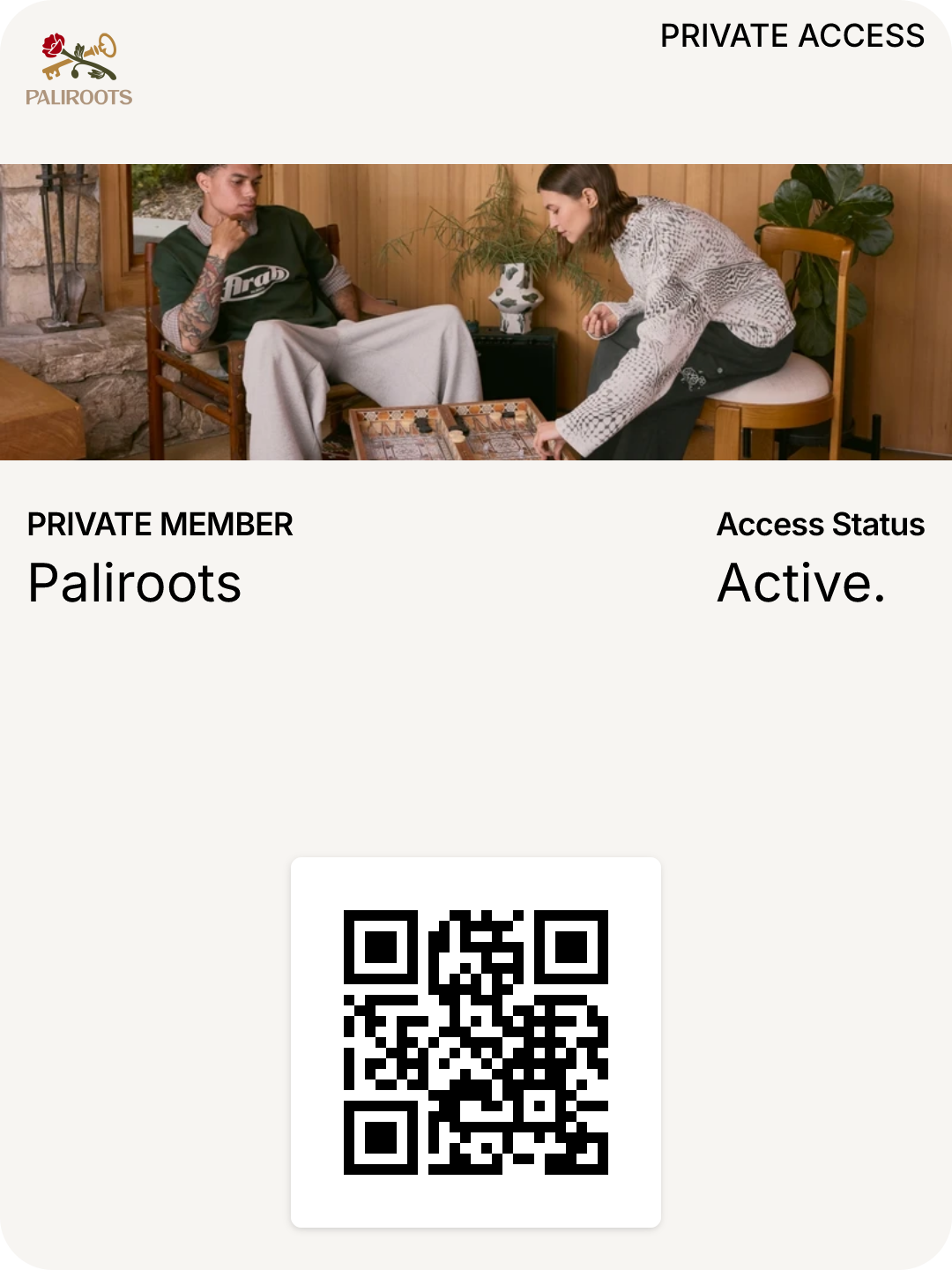
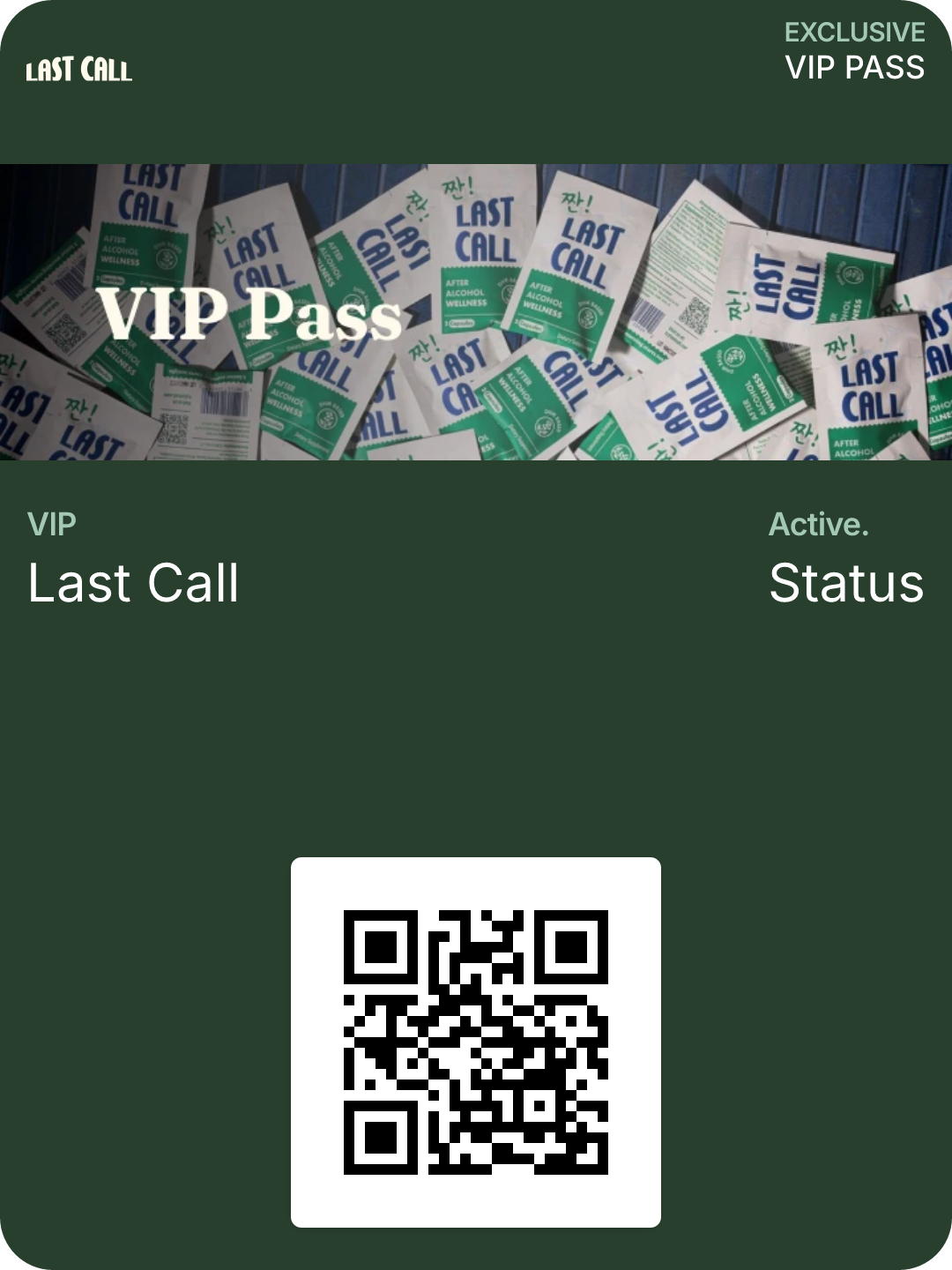
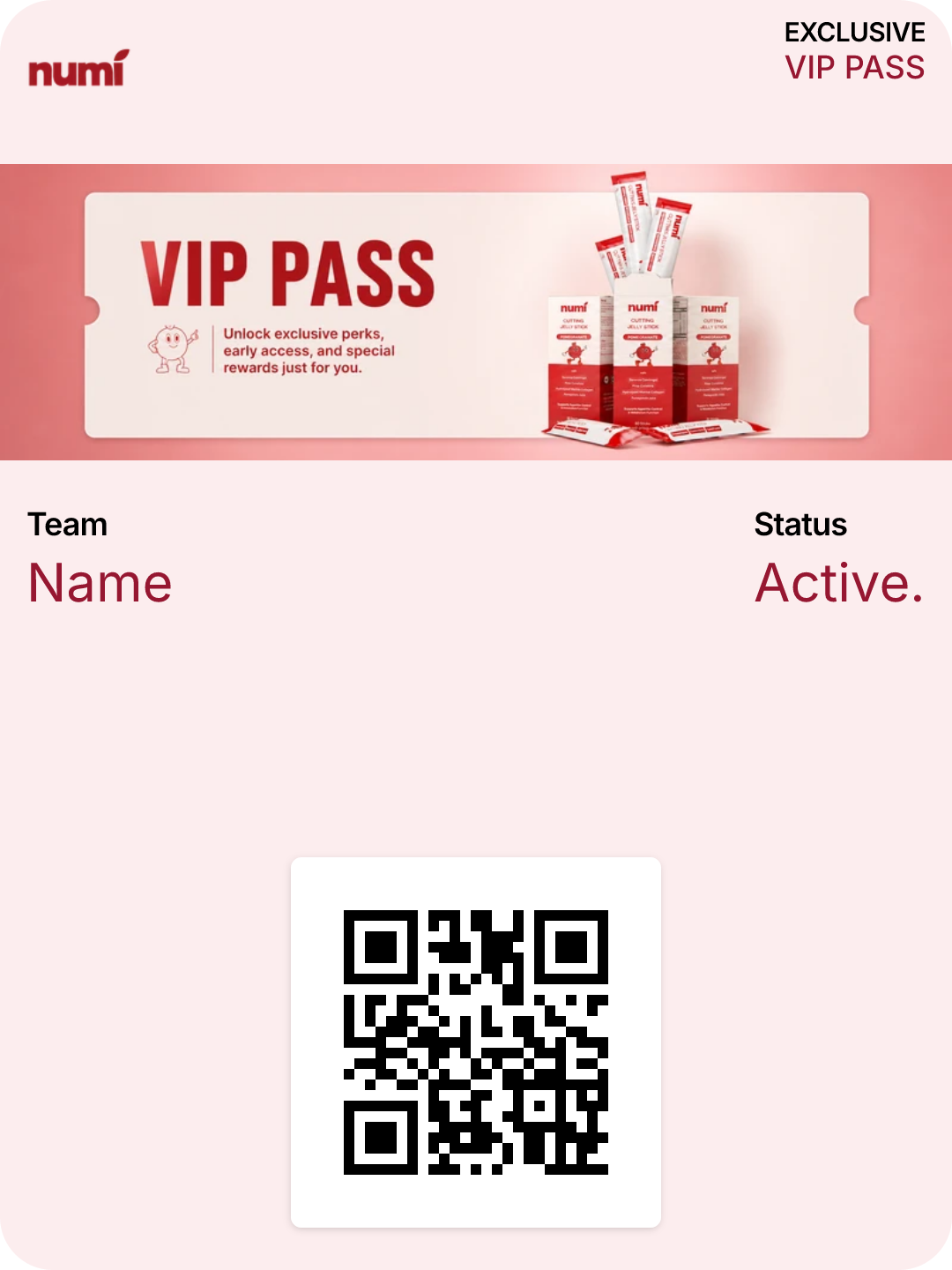
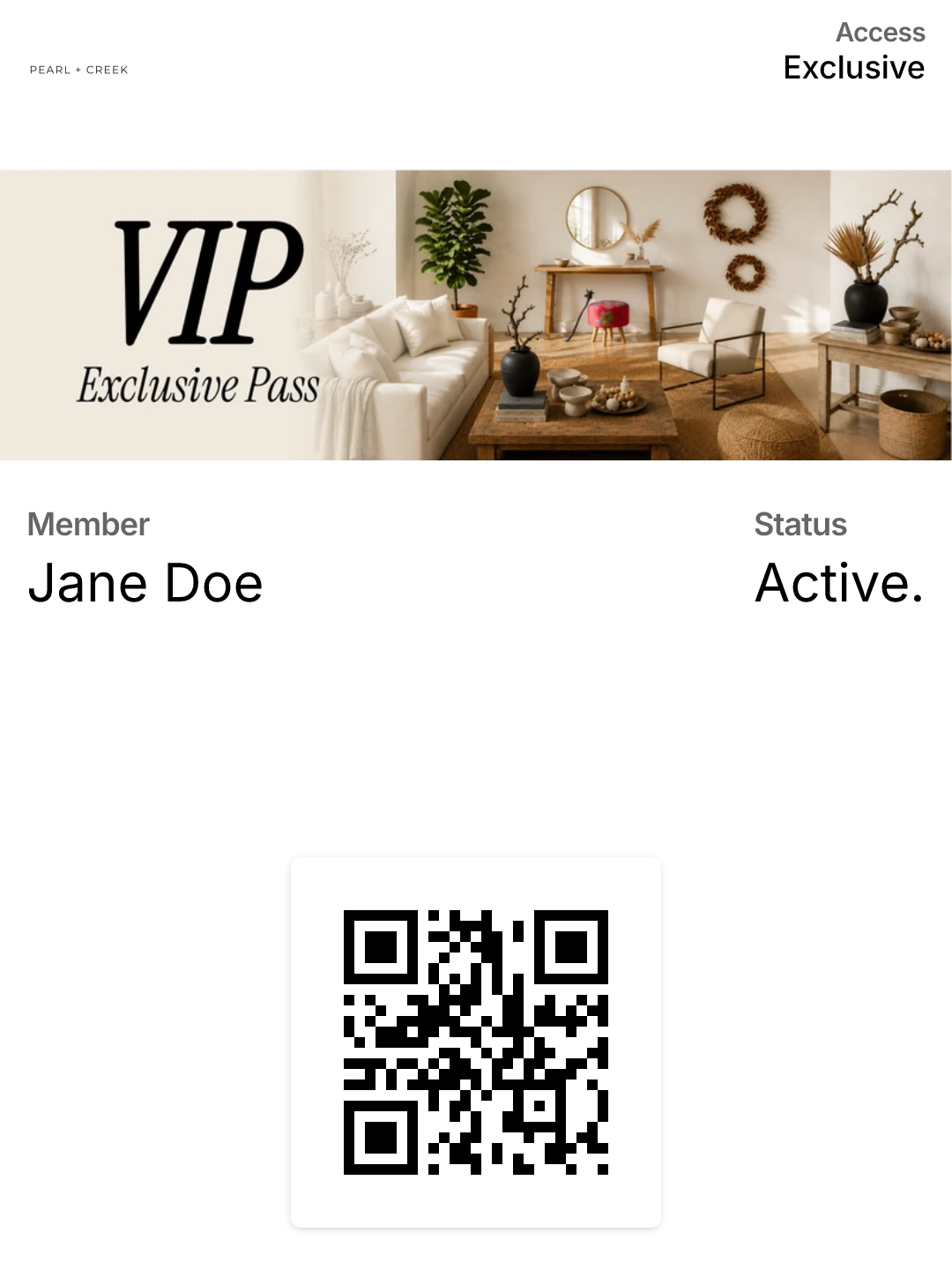
Lockscreen puts a branded pass in your customer's Apple or Google Wallet in one tap — then sends push notifications to their lockscreen straight from Klaviyo. No app. No inbox. No CPMs.
- Lives in Wallet
- Fires from Klaviyo
- Tracks revenue
Wednesday, September 2
9:41
- MN
Maison Noir
· now
Your VIP pass unlocked early access. 24h only.
- MN
Maison Noir
· 2h
Order #4821 has shipped
- MN
Maison Noir
· 1d
You're 40 points from Gold
Added to Apple Wallet
Jane Doe · VIP Member
90%+ open rate
Lockscreen pushes are seen, not filtered. No promotions tab, no spam folder.
One-tap install
No app download. Customers add the pass from any link in under 3 seconds.
Pay per store, not per send
Flat monthly pricing. Send as many pushes as you want.
- No app.
- No friction.
- No CPMs.
The Most Frictionless Way To Reach, Retain, And Reward Your Customers
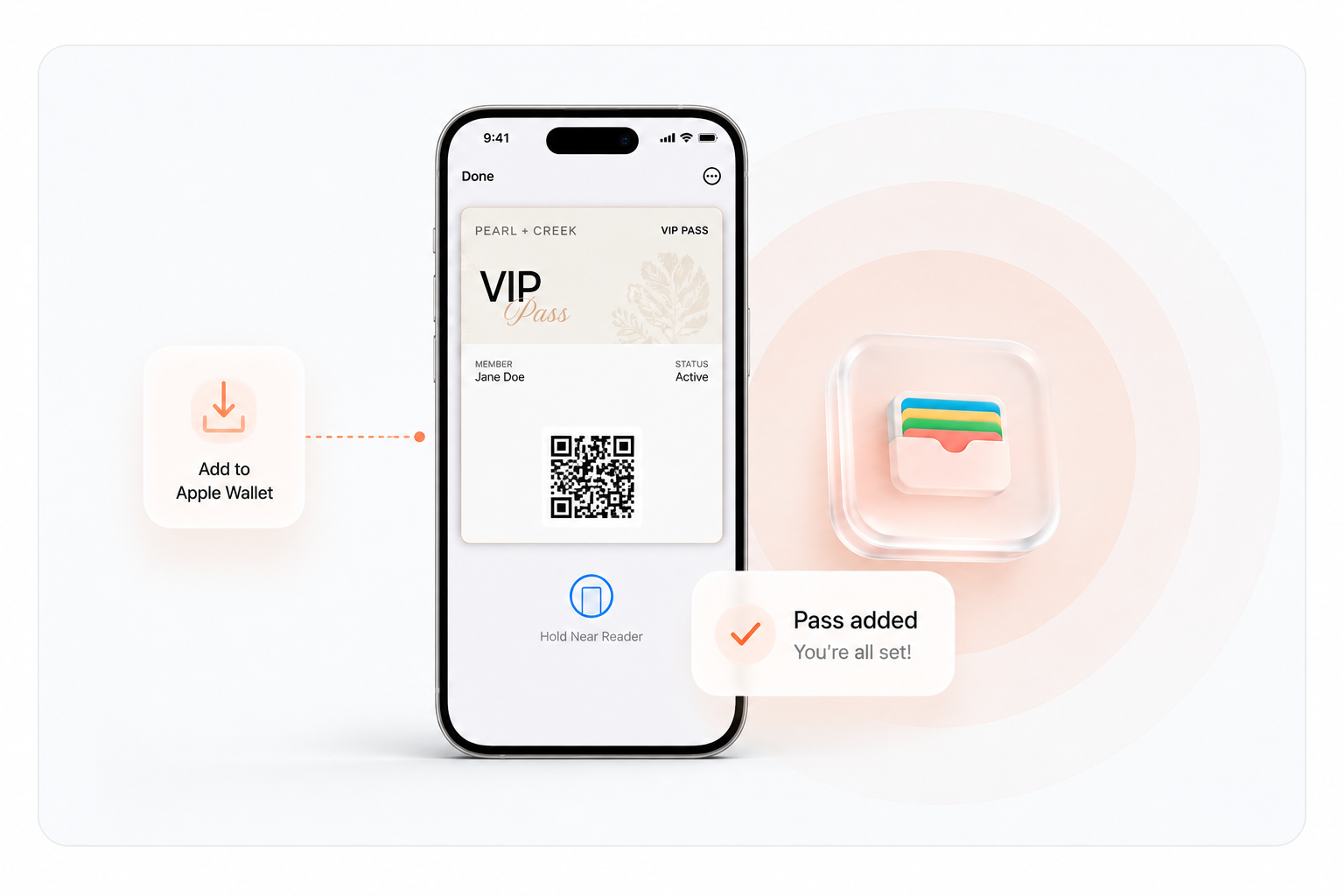
- Step 01
Customers install your pass in one tap
- Via email, SMS, popups, post-purchase pages
- One tap → added to Apple / Google Wallet
- Step 02
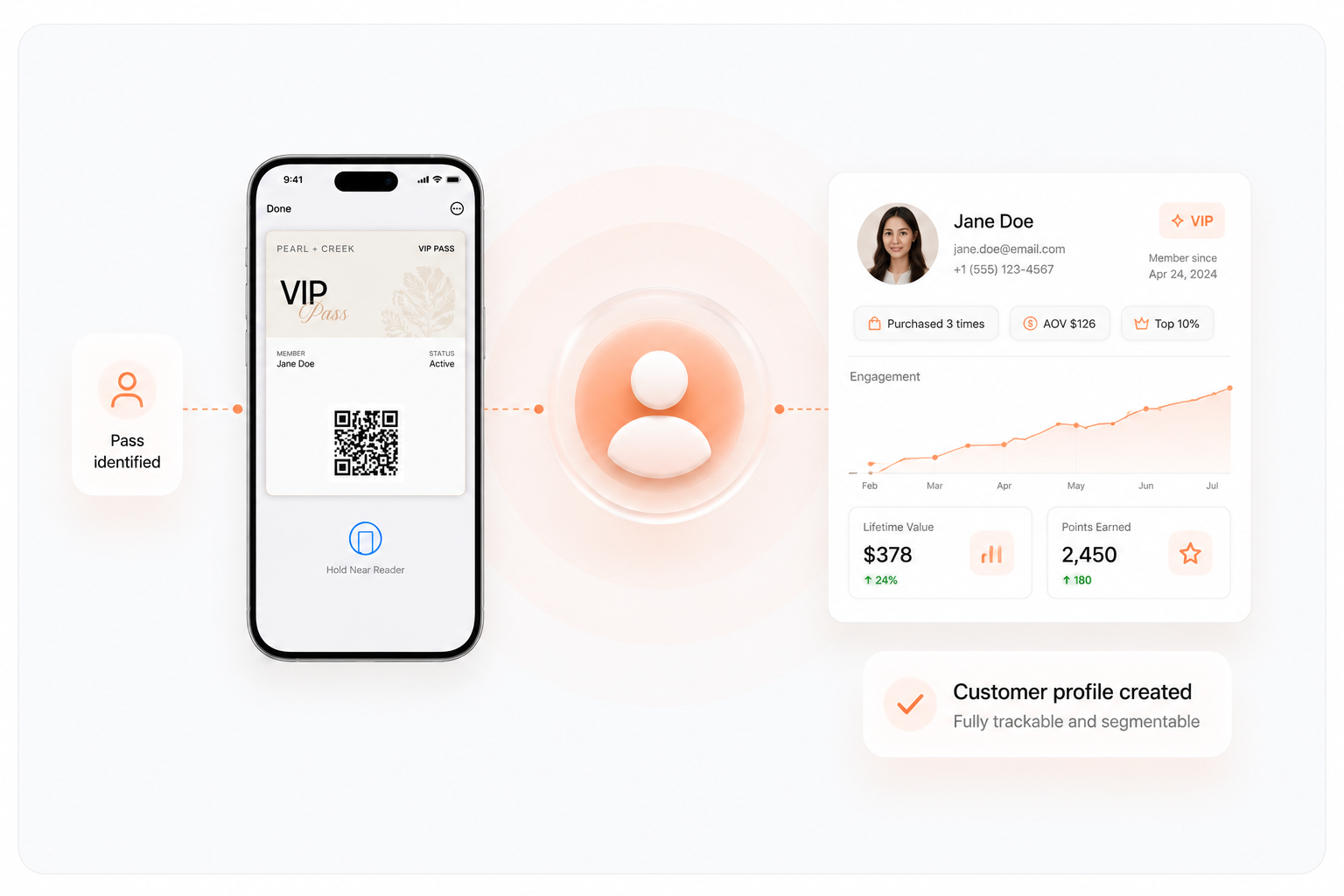
Customers become identifiable
- Linked to their Klaviyo profile
- Fully trackable + segmentable
- Step 03
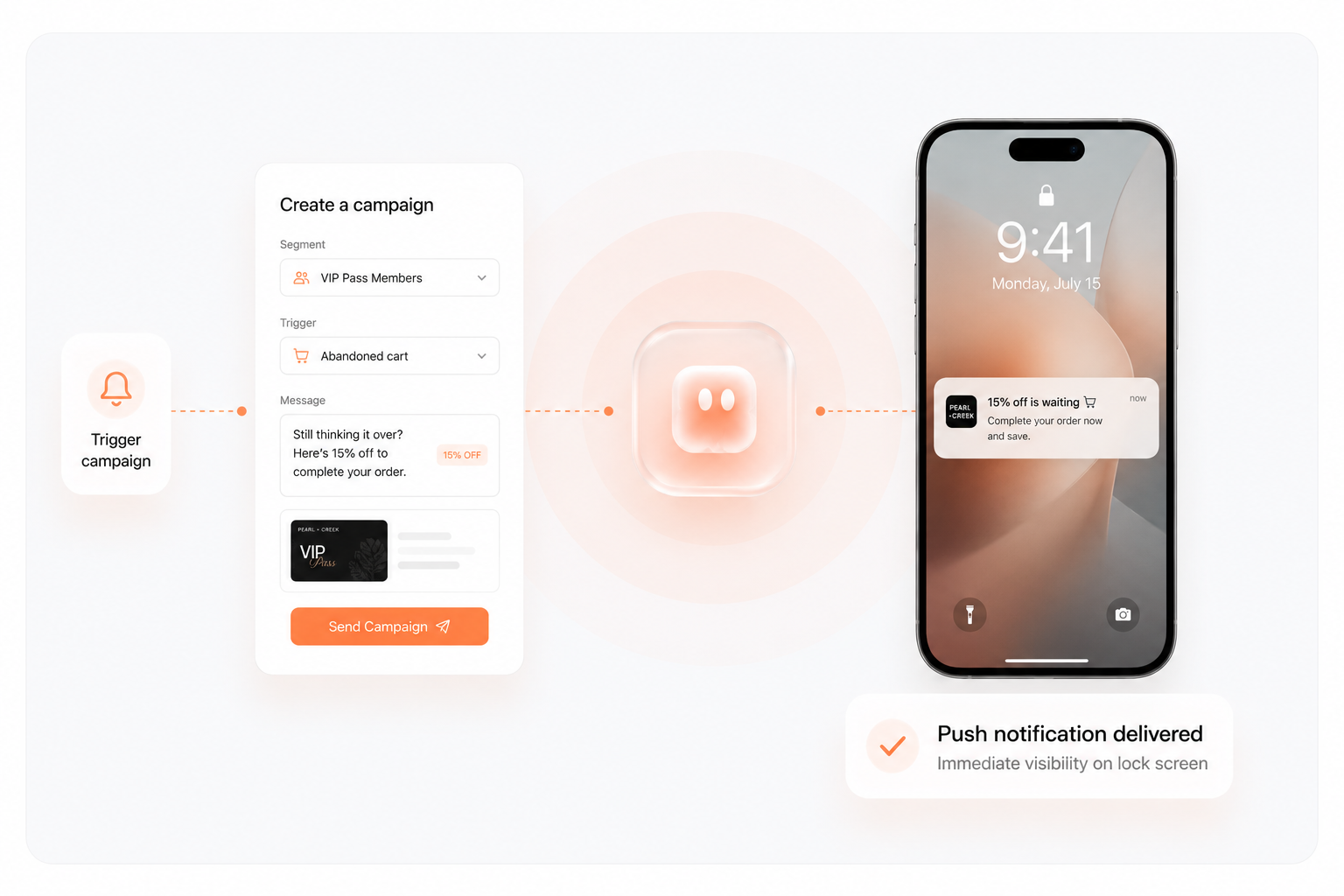
Trigger branded push-notifications
- Manual campaigns
- Or automated flows via Klaviyo
- Step 04
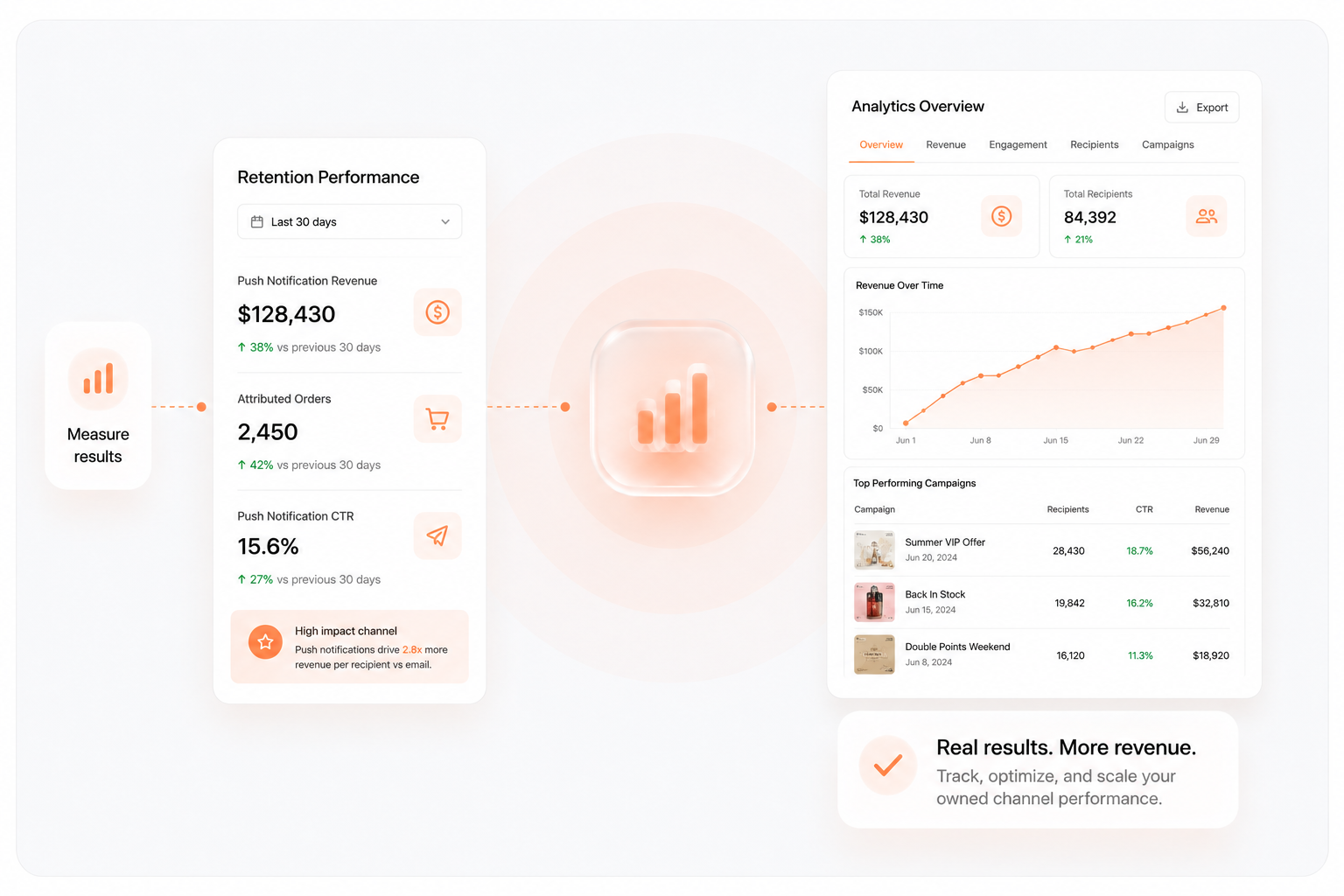
Leverage Your New, Owned Retention Channel
- No app required
- Immediate visibility
- Klaviyo

- Shopify

- Zapier

- Apple WalletWallet
- Google WalletWallet
Plugs Into The Stack You Already Run
Passes install from any Klaviyo flow, popup, or post-purchase page. Pushes fire from Klaviyo or Zapier. Native Shopify app, nothing to rebuild.
- Klaviyo
- Shopify
- Zapier
- Apple WalletWallet
- Google WalletWallet
See It On Your Own Lockscreen
Book a 15-min demo. We build a pass for your store and push a test to your phone live on the call.
Book a demo
Lockscreen
now
Your VIP pass is live — tap to view.
Turn Your Highest-Intent Moments Into The Highest-Visibility Messages
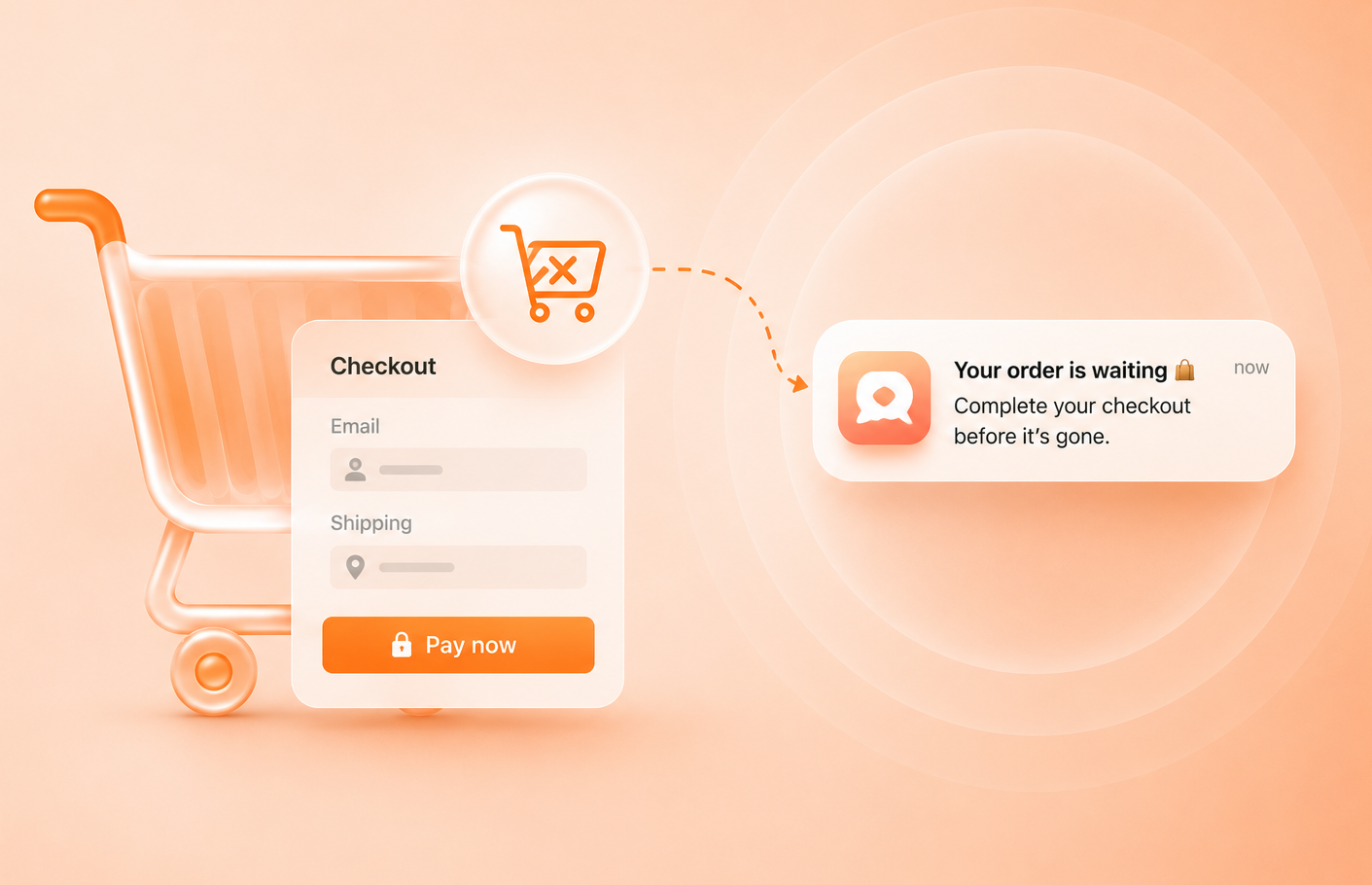
Abandoned Checkout
Push reminder within minutes
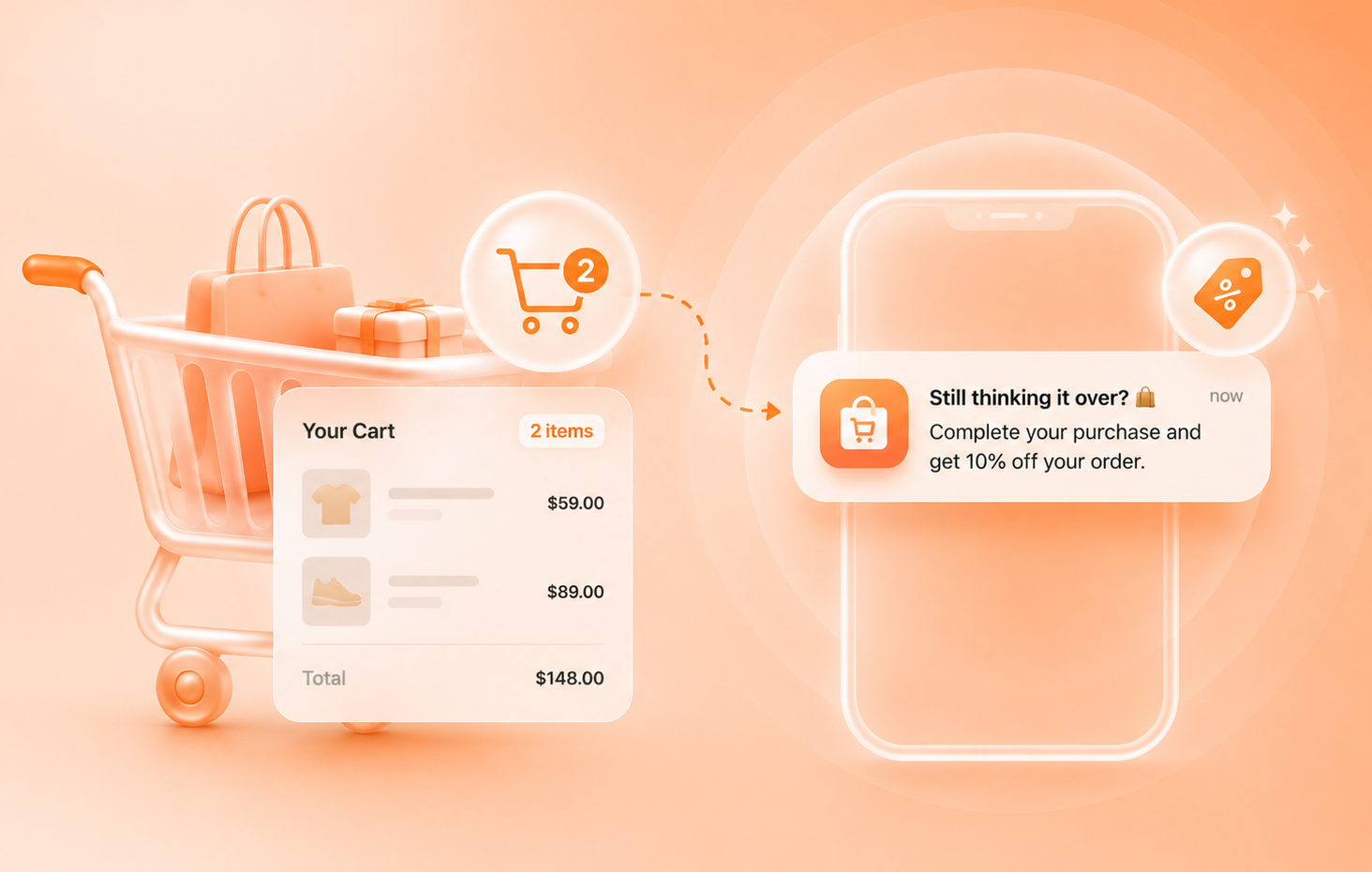
Abandoned Cart
Incentivised recovery
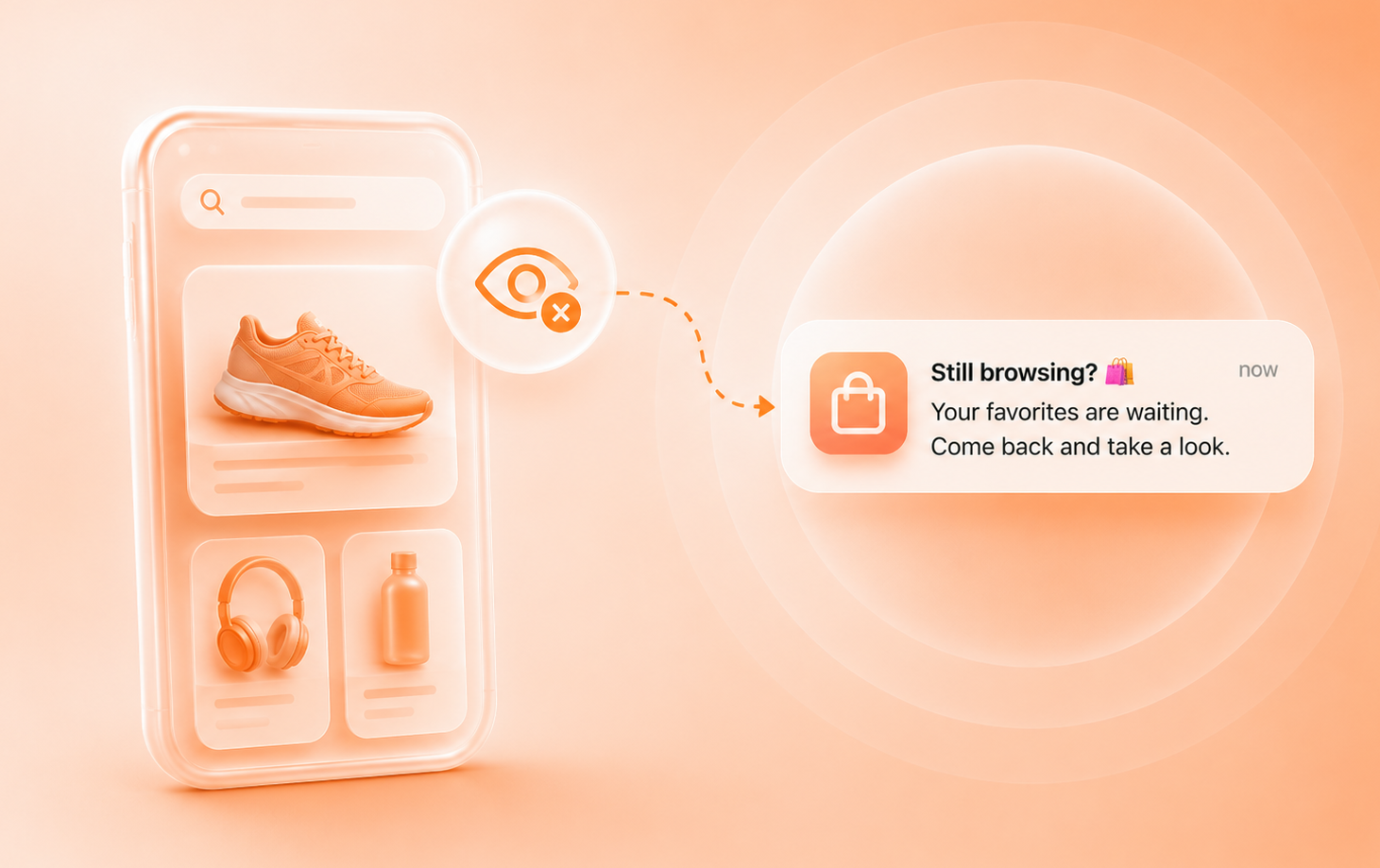
Browse Abandonment
Product reminders
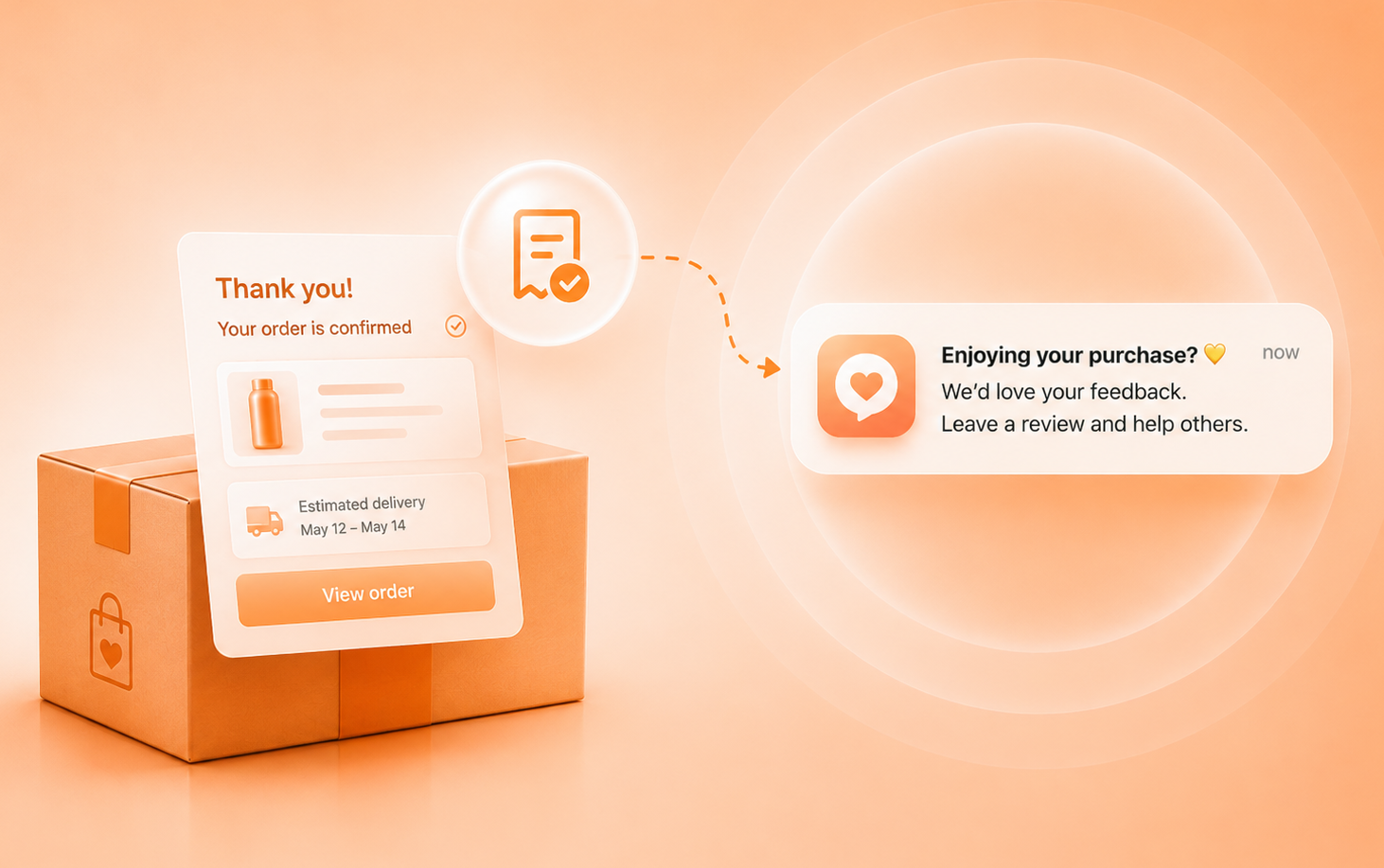
Post Purchase
Upsells, cross-sells, referrals
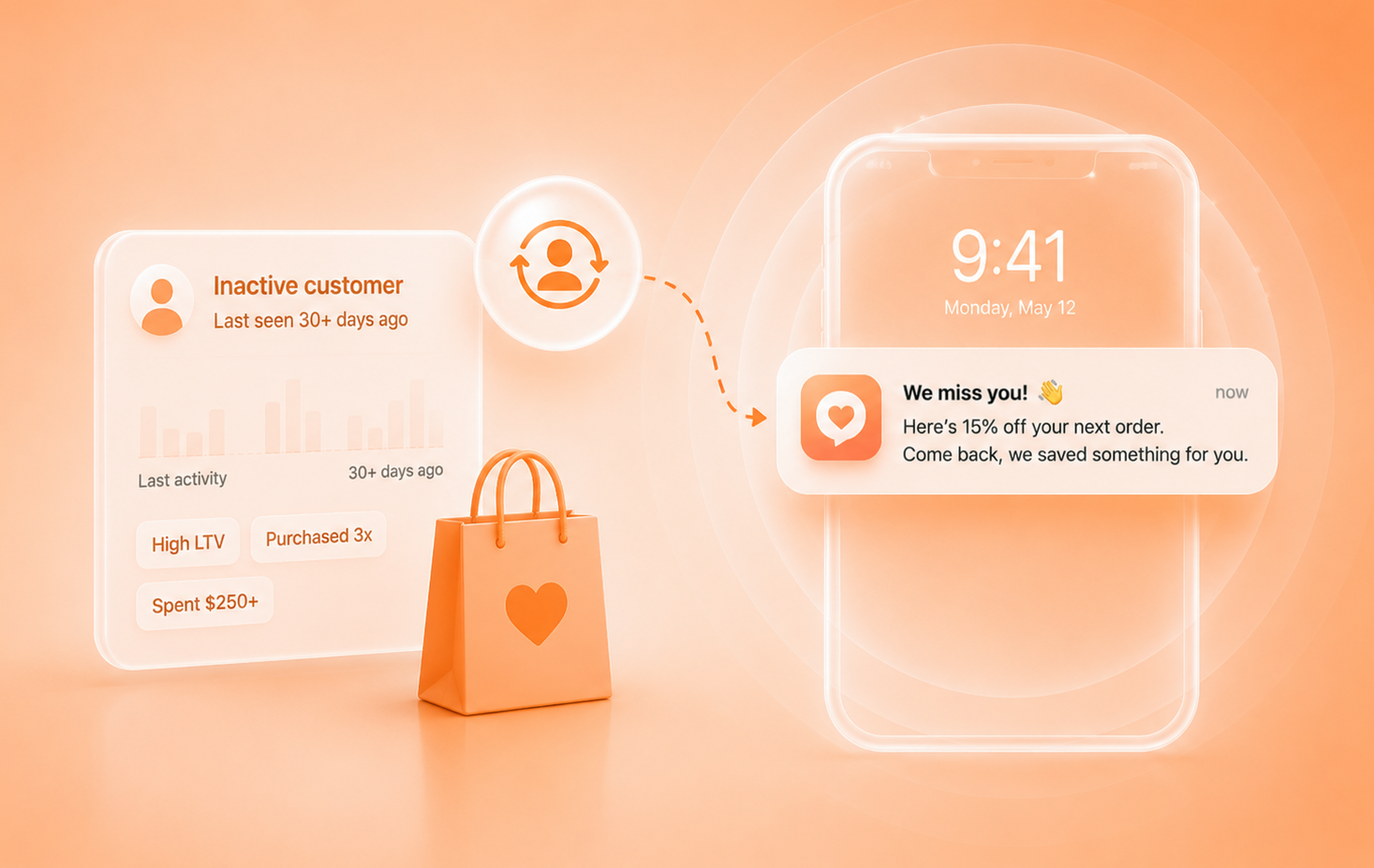
Winback
Re-engage customers
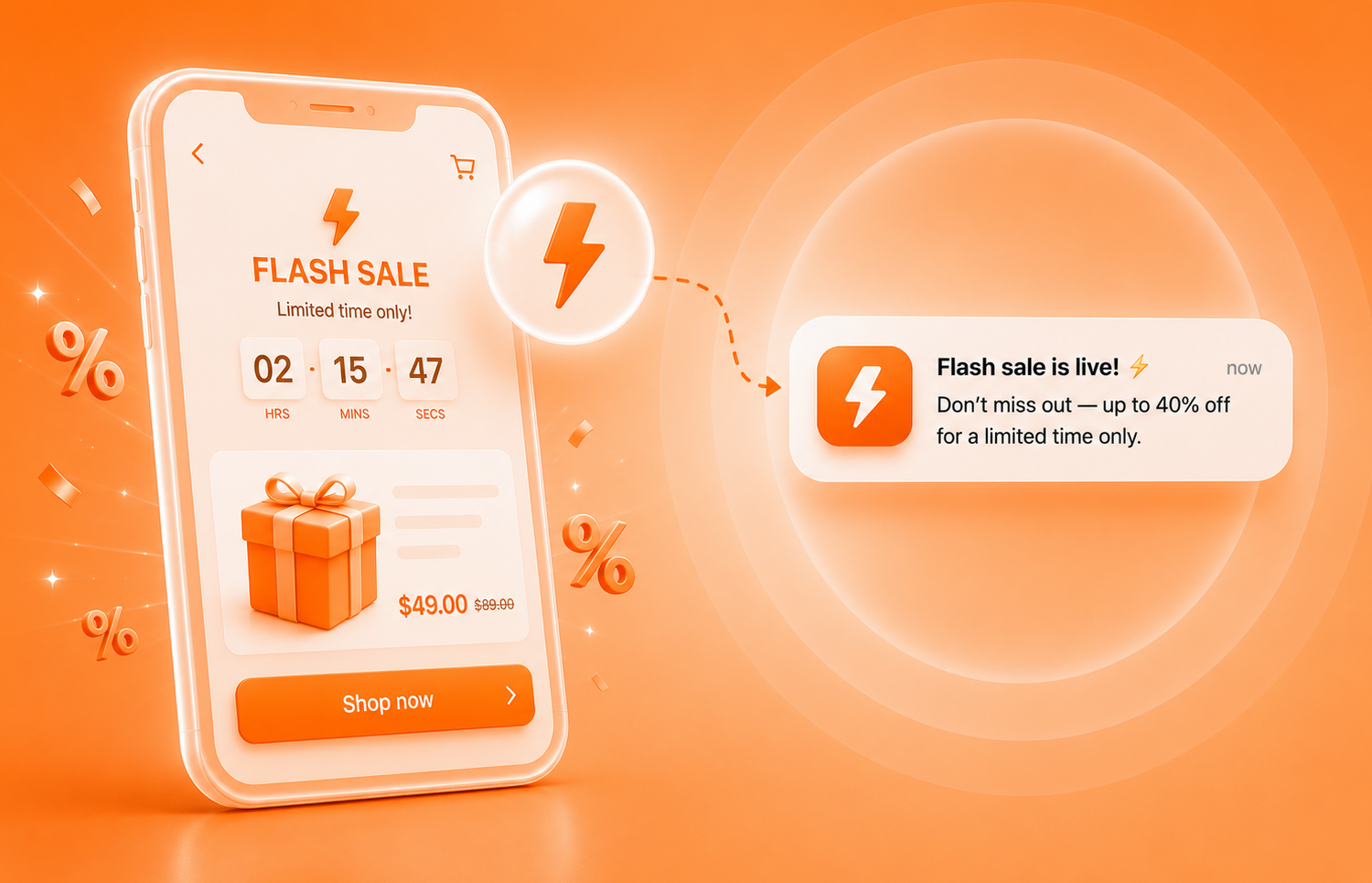
Flash Sales
Instant promotion blasts
Loyalty Lives In The Inbox.
Ours Lives On The Lockscreen.
Points, tiers, referrals, and rewards — the same program you'd build in Smile or LoyaltyLion, but the card sits in Apple and Google Wallet, and every points event becomes a push your customer actually sees.
- No app
- No login
- One tap to join
1,240 pts
740 / 1,000 to Platinum
The card is the program
Balance, tier, and progress to the next tier live on the front of the pass. It changes colour by tier, so Gold looks like Gold on the lockscreen.
Referral is the QR code
Every pass carries the member's personal referral link. Hand a friend your phone, they scan, they're in with $10 off. You get +200 points the moment they order.
Every event is a push
Points earned. One order from Gold. Reward expiring tomorrow. 2× points this weekend. Not one more email in the pile.
Boosts on demand
Schedule 2× points for the weekend or bonus points on a drop. It pushes to every pass and shows on the card while it's live.
Redeem without the code
Pick a reward on the pass and it’s auto-applied at checkout. The order it drives earns points again, so redemption feeds the next purchase.
- Coming soon
AI picks the message
Purchase history, engagement timing, tier trajectory — the program sends each member the push most likely to convert, at their moment, and learns from what worked.
- more orders from members vs non-members
- 2.4×
- to join. No app, no account.
- 1 tap
- referral widgets to install. It’s the QR on the card.
- 0
Same points. Different channel.
Lockscreen Is A Multiplier.
- Case Study #1
Glo Melanin
Abandoned Cart Recovery
Glo MelaninExclusive
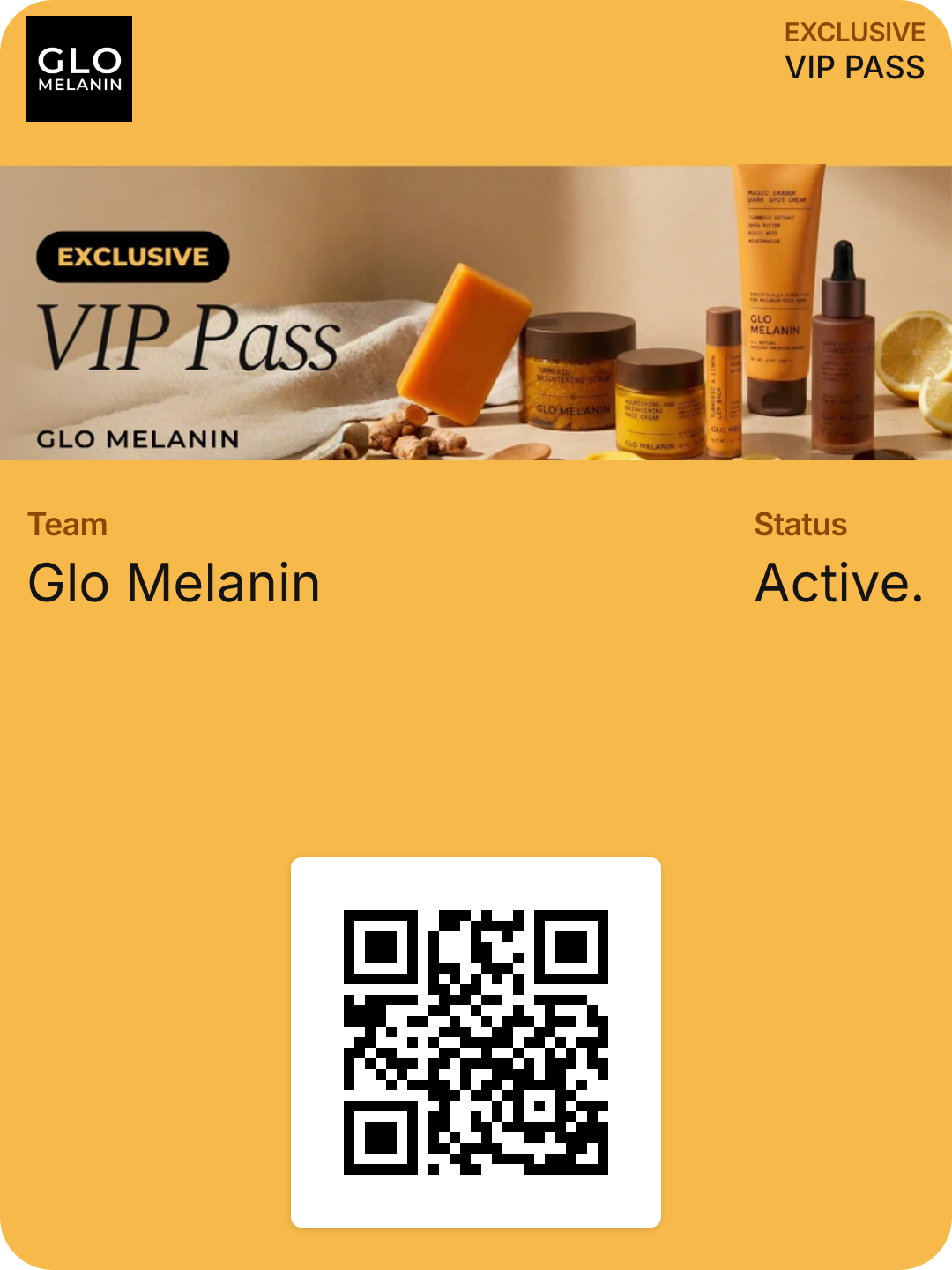
VIP PassExclusiveVIP PassGlo MelaninGlo MelaninTeamActiveStatus- Added Lockscreen to existing Klaviyo flow
- Introduced push notification at 30 minutes
Result
- +18–25% lift in recovered revenue
- Case Study #2
Dermly
Flash Sale Campaign
DermlyExclusive
VIP PassExclusiveVIP PassDermlyDermlyTeamActiveStatus- Email + SMS + Lockscreen push
Result
- Lockscreen drove highest click-through rate
- Incremental revenue without additional ad spend
- Case Study #3
Numi
Post-Purchase Upsell
NumiExclusive
VIP PassExclusiveVIP PassNumiNumiTeamActiveStatus- Triggered push after order confirmation
Result
- Increased repeat purchase rate
- Higher LTV within 30 days
Questions, Answered
No. Apple Wallet and Google Wallet are already on every phone. Customers add your pass with one tap from an email, popup, or post-purchase page, and pushes land on the lock screen from then on.
Lockscreen shows up as an action inside your existing flows. Keep your abandoned-cart, winback, or post-purchase logic exactly as it is and add a wallet push at whatever step you like. Pass installs sync back to Klaviyo as profile properties.
No. Pushes are unlimited on every plan. You pay a flat monthly fee, so a flash sale to your whole list costs the same as a single reminder.
It is fully branded: your colours, logo, hero image, and a QR or barcode if you want in-store scanning. We design the first version with you on the demo call and you can update it at any time. Changes push to every installed pass instantly.
Yes. One pass link handles both. iPhones open Apple Wallet, Android phones open Google Wallet, and pushes are delivered natively on each.
Most stores are live within a day. Install the Shopify app, connect Klaviyo, approve the pass design, and drop the install link into a flow. We build the pass for you during the demo.